


 Damage
  Loss
Loss  Theft
Theft 


The Complete User Guide to Fiber Patch Panels
Everything you need to know — from types and port counts to installation and product selection.
 Why Fiber Patch Panels Matter
Fiber patch panels are a fundamental piece of hardware for any data center, commercial building, or structured cabling environment. By using fiber optic patch panels, network administrators gain a central consolidation point that dramatically simplifies adds, moves, and changes — without disturbing any active connections buried deeper in the cable runs.
The advantages of deploying a fiber patch panel go well beyond simple convenience. A well-organized patch panel preserves cable health, reduces signal loss, and gives technicians fast visual access to every connection in the rack.
Easy Reconfiguration
Add, move, or swap cable connections at any patch point without touching backbone cabling or disrupting live services.
Reduced Wear & Tear
Protecting equipment ports from repeated plug cycles extends the life of costly active hardware such as switches and servers.
Improved Organization
Labelled patch ports give technicians instant visibility into every connection, cutting troubleshooting time and avoiding costly mistakes.
Better Cable Management
Bundled cable paths, radius limiters, and organized routing rings prevent sharp bends that degrade fiber signal integrity.
Types of Fiber Patch Panels
Fiber patch panels are manufactured to support many different connector types, each optimized for specific performance tiers and application environments. Understanding which type suits your cabling infrastructure is essential before purchasing.
LC / SC / FC / ST / MTP / MPO Fiber Patch Panels
The most widely deployed connector families each offer a dedicated panel format. LC panels are prized for their small form factor and are the go-to choice in high-density environments. SC panels deliver excellent repeatability and are commonly found in enterprise LANs. FC panels provide a threaded, vibration-resistant connection favored in industrial settings. ST panels use a bayonet coupling still common in legacy campus networks. MTP and MPO panels support multi-fiber ribbon cables and are the workhorse of modern high-speed data centers requiring 40G, 100G, or beyond.


Single-Mode & Multimode Fiber Patch Panels
Beyond connector type, panels are classified by the fiber mode they serve. Single-mode panels target long-distance transmission, typically in telecom and campus backbone links. Multimode panels cover shorter horizontal runs inside buildings. For easy field identification, QSFPTEK's single-mode panels follow the TIA-598 blue color standard, while multimode panels use aqua (OM3/OM4) to eliminate costly mismatches at termination points.

6 / 12 / 24 / 48-Port Fiber Patch Panels
QSFPTEK panels are available at various densities to match any deployment scale. The most common choices are 6-port, 12-port, 24-port, and 48-port configurations. QSFPTEK 24-port modular panels accommodate 12 duplex fiber adapters, yielding a total of 48 fibers, while a full 48-port panel scales that capacity to 96 fibers — all within a compact 1U footprint.
How to Use a Fiber Patch Panel
Fiber patch panels are typically housed inside rack-mount or wall-mount fiber enclosures sized for 10", 19", or 23" rack systems. There are two primary enclosure formats — rack-mount and wall-mount — each suited to a specific environment.
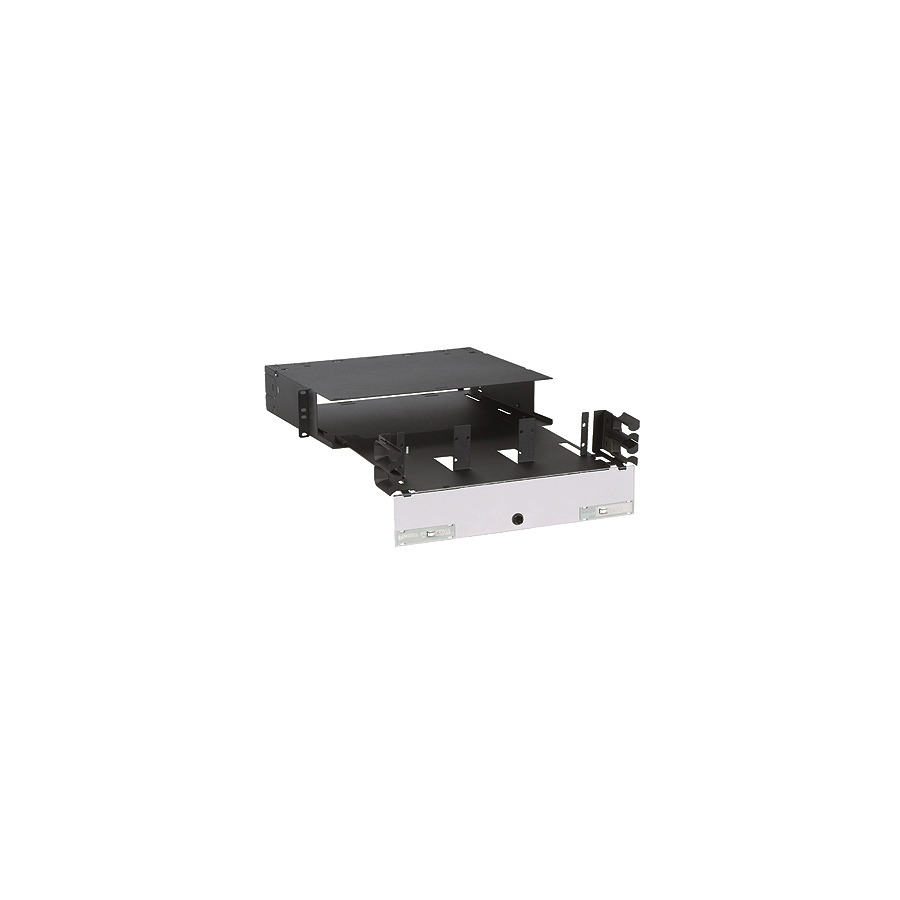
Rack-Mount Fiber Termination Box
The rack-mount fiber termination box is the standard choice for centralized, high-density installations in data centers and network closets. Spanning 1U to 4U of rack space, it accepts between 12 and 288 fiber connections depending on the cassette or panel modules installed. These enclosures consolidate all fiber connection and termination points into a single, well-organized location that is easy to service and document.
 Rack-Mount Fiber Termination Box
Key features of rack-mount enclosures include:
Wall-Mount Fiber Termination Box
Wall-mount enclosures are the preferred solution for intermediate distribution points, optical cable cross-connect locations, and anywhere a full rack installation is not practical. Typically holding 8 to 48 fibers, they offer the same internal splice management as rack-mount units but attach directly to a wall or vertical surface. A hinged or lockable cover protects connections while providing quick access for maintenance.

Wall-Mount Fiber Termination Box
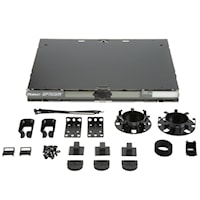
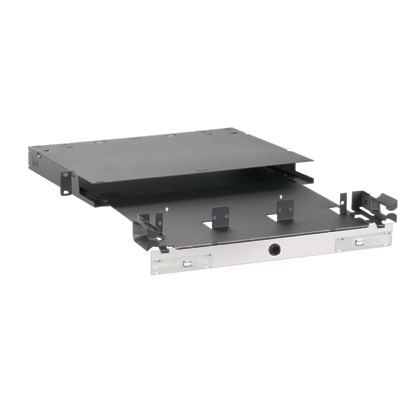
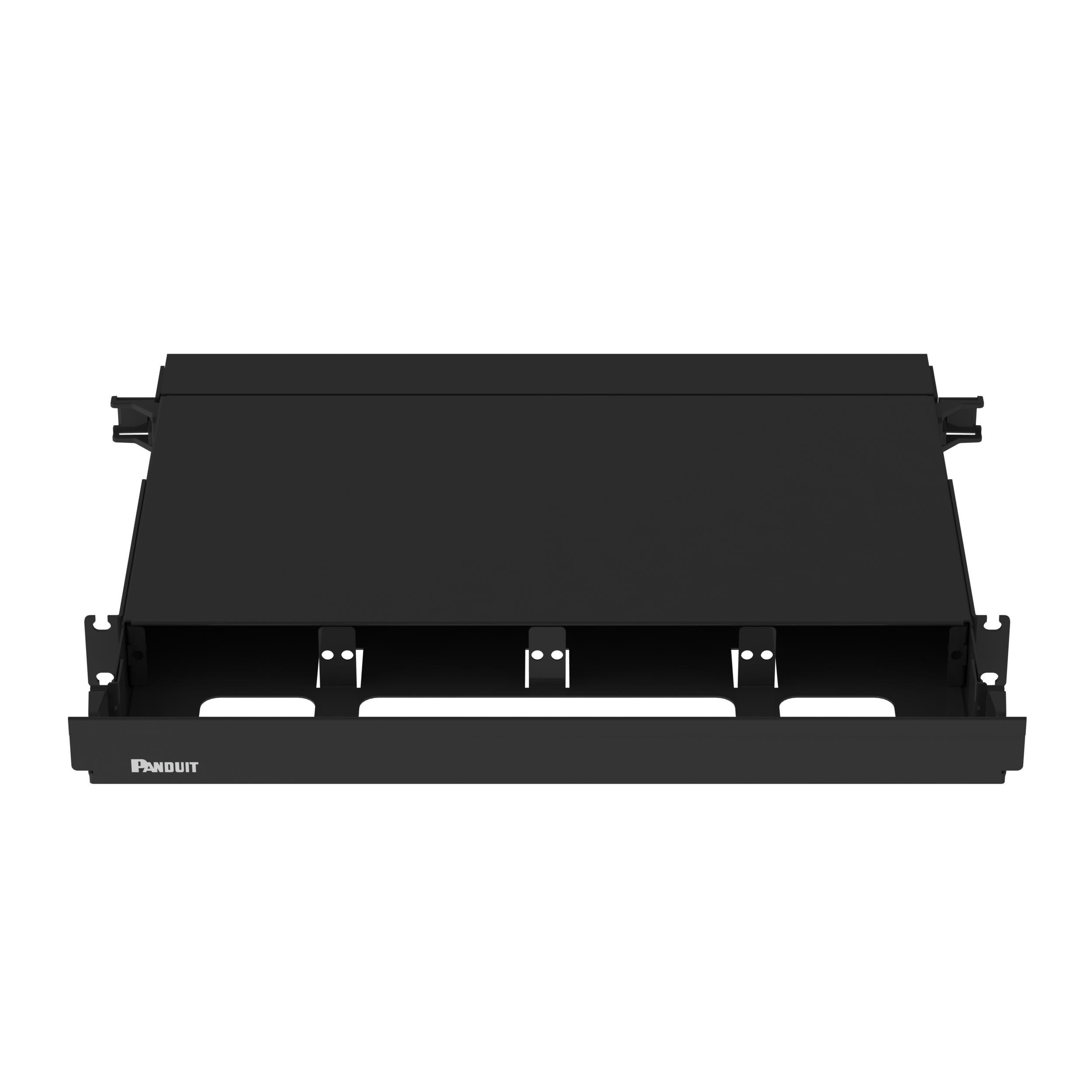
Panduit Rack-Mount Fiber Enclosure — Product Spotlight
The Panduit FCE1U rack-mount fiber enclosure is purpose-built for 10" and 19" rack systems. Designed for high-density environments, it provides a maximum fiber capacity of 48 fibers in the rack-mount configuration and up to 144 fibers in the wall-mount version. Its tool-free cassette loading makes deployment fast, and its robust steel chassis delivers long-lasting protection for critical fiber connections.
| Mount Type | Max Fiber Capacity | Rack Space |
|---|---|---|
| Rack Mount (1U) | Up to 48 fibers | 1U |
| Wall Mount Enclosure | Up to 144 fibers | N/A (wall) |

Panduit FCE1U — 1U Rack-Mount Fiber Enclosure

OS2 Fiber Patch Panel (Teal) — High-Capacity Wall-Mount
"A single Panduit FCE1U enclosure can house multiple cassettes or adapter panels, making it the logical choice for any installation that demands both density and flexibility in a 1U chassis."
Quick-Start Installation Overview
Mount the Enclosure
Secure the FCE1U chassis into your 19" equipment rack using the supplied mounting hardware. Confirm the 1U space is clear of obstructions above and below.
Load Cassettes or Adapter Panels
Slide the desired QuickNet cassettes or adapter panels into the chassis slots. Tool-free latching holds each module securely in position.
Route Trunk Cables
Feed pre-terminated MTP or MPO trunk cables through the rear cable entry points. Use the internal radius limiters to maintain proper bend radius.
Connect Patch Cords
Plug LC, SC, or appropriate patch cords into the front-facing adapter ports. Label each port using the included numbering strips for straightforward documentation.
Test & Verify
Use an optical power meter or OTDR to verify end-to-end insertion loss against your design budget before declaring the link in service.
Ready to Upgrade Your Fiber Infrastructure?
Explore our full selection of fiber patch panels, enclosures, and accessories — engineered for reliability, built for every scale.
Shop Panduit FCE1U