Damage
  Loss
Loss  Theft
Theft 

















![Chery Industrial [BARGAIN] 20ft Farm Metal Driveway Gate with Diagonal Tubes - A_IF000054](http://backyardprovider.com/cdn/shop/files/farmgatewith_31.png?v=1775546952)


























What Our Experts Think
-
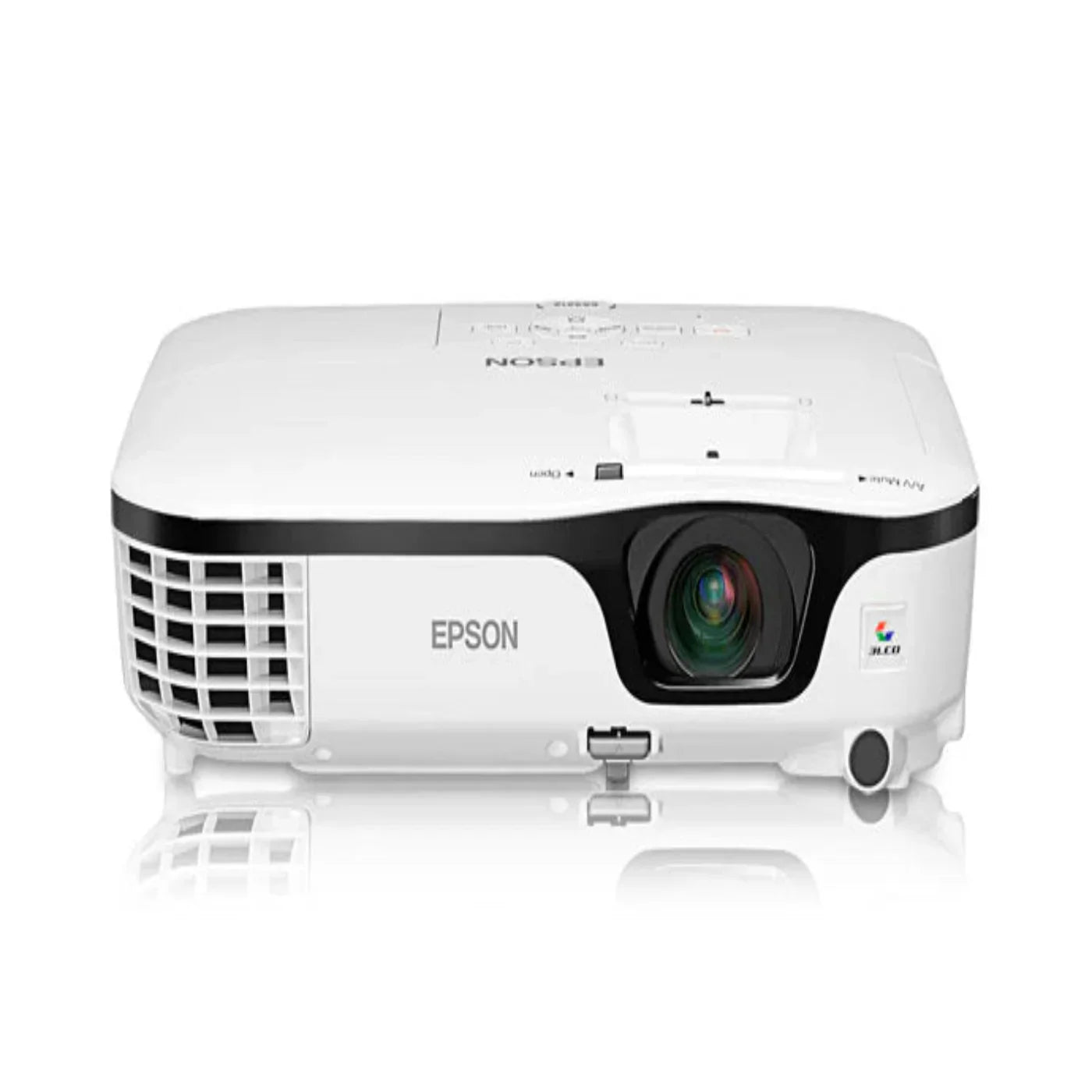
Bright 2800-lumen projector for clear, vibrant images.
-
Epson 3LCD, 3-chip technology ensures accurate, true-to-life colors.
-
Versatile and easy-to-use, suitable for classrooms and small meeting rooms.
-
Reliable performance for everyday presentations and content display.
Q&A
-
Q: How bright is the projector?
A: 2800 lumens for both color and white light output. -
Q: What technology does it use?
A: Epson 3LCD, 3-chip technology for sharp and vivid images. -
Q: Is it easy to use?
A: Yes, designed for straightforward setup and operation. -
Q: Suitable for what settings?
A: Ideal for classrooms, small offices, and presentation spaces.
Maintenance Tips
-
Keep vents and filters clean to ensure proper airflow.
-
Avoid touching the lens with bare hands.
-
Allow the lamp to cool completely before replacing.
-
Replace the lamp promptly when brightness diminishes to maintain image quality.