Damage
  Loss
Loss  Theft
Theft 







![Chery Industrial [BARGAIN] 20ft Farm Metal Driveway Gate with Diagonal Tubes - A_IF000054](http://backyardprovider.com/cdn/shop/files/farmgatewith_31.png?v=1775546952)




























![Chery Industrial [BARGAIN] 7' Garage Storage Cabinets with 20 Drawers - A_WW000208](http://backyardprovider.com/cdn/shop/files/bargain-7-ft-work-bench-with-20-drawers_30.png?v=1775546940)



What Our Experts Think
-
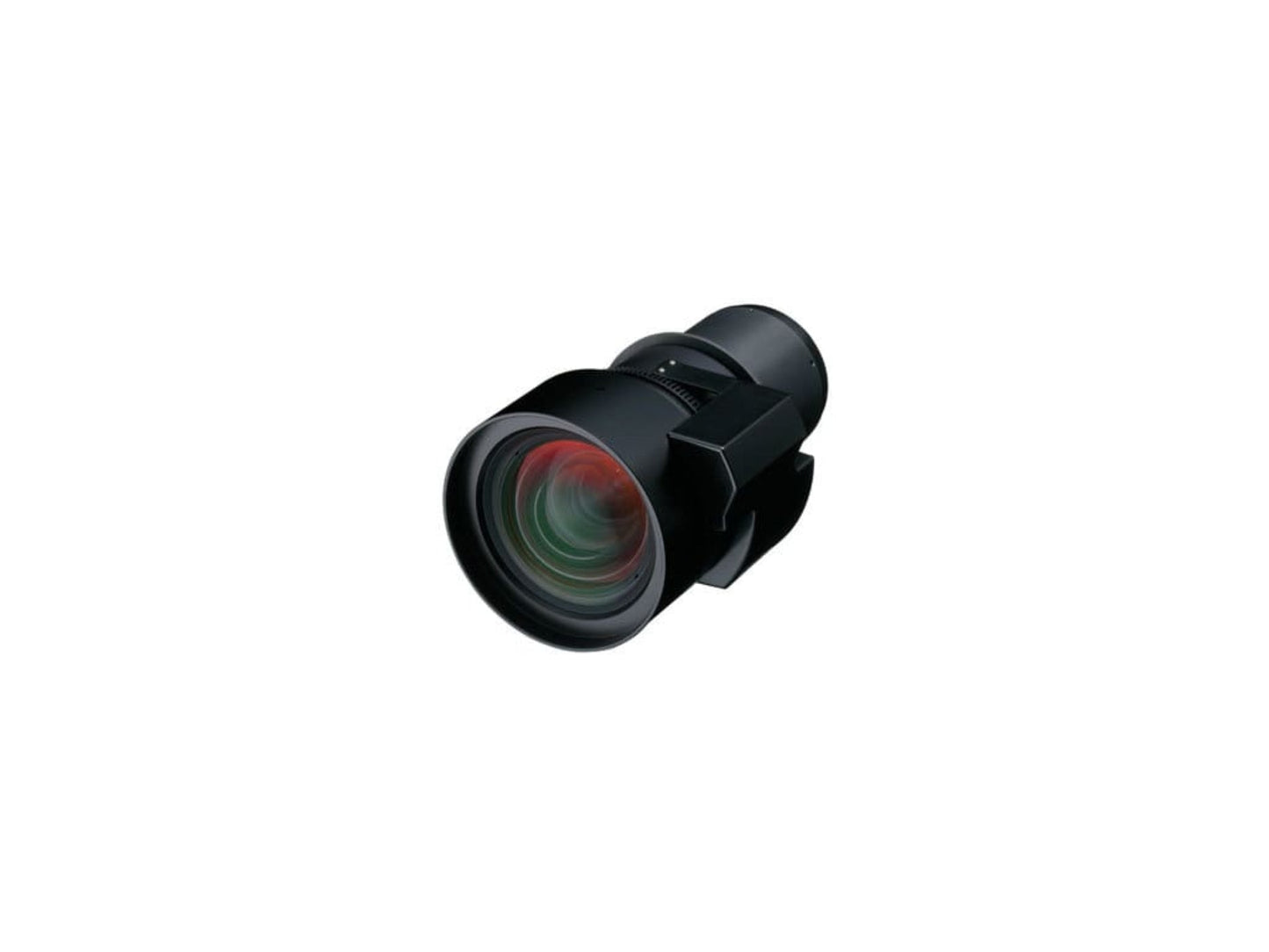
Engineered for rear-projection precision: Provides consistent, edge-to-edge clarity in controlled lighting environments.
-
Professional installation ready: Ideal for retail displays, digital signage, exhibits, and command centers needing clean rear-projection setups.
-
Reliable optical performance: Fixed lens construction minimizes distortion and maintains stable image geometry.
-
Wide projector compatibility: Designed for Epson’s high-brightness Pro Z-Series, ensuring dependable performance in demanding venues.
Q&A
Q: Which projectors support the ELPLR04 lens?
A: It works with Epson PowerLite Pro Z10000U, Z1005U, Z9870U, Z9875U, Z9750U, Z11000W, Z9900W, Z9800W, Z11000, Z11005, and Z9870.
Q: Is this lens only for rear projection?
A: Yes—it's optimized exclusively for rear-projection applications.
Q: Does the fixed design allow zoom?
A: No. This is a fixed lens with a preset throw ratio for consistent image sizing.
Q: Is alignment hard to achieve?
A: No. When paired with compatible Epson Z-Series models, alignment and focus remain stable and straightforward.
Maintenance Tips
-
Clean with a soft microfiber cloth to prevent scratches on the optical surface.
-
Use lens caps during storage to protect the glass from dust and impact.
-
Avoid humidity and temperature extremes to preserve optical accuracy.
-
Check mounting alignment periodically for optimal rear-projection sharpness.
-
Keep the projection area clean to maintain long-term image clarity.