Damage
  Loss
Loss  Theft
Theft 







![Chery Industrial [BARGAIN] 20ft Farm Metal Driveway Gate with Diagonal Tubes - A_IF000054](http://backyardprovider.com/cdn/shop/files/farmgatewith_31.png?v=1775546952)




























![Chery Industrial [BARGAIN] 7' Garage Storage Cabinets with 20 Drawers - A_WW000208](http://backyardprovider.com/cdn/shop/files/bargain-7-ft-work-bench-with-20-drawers_30.png?v=1775546940)



What Our Experts Think
-
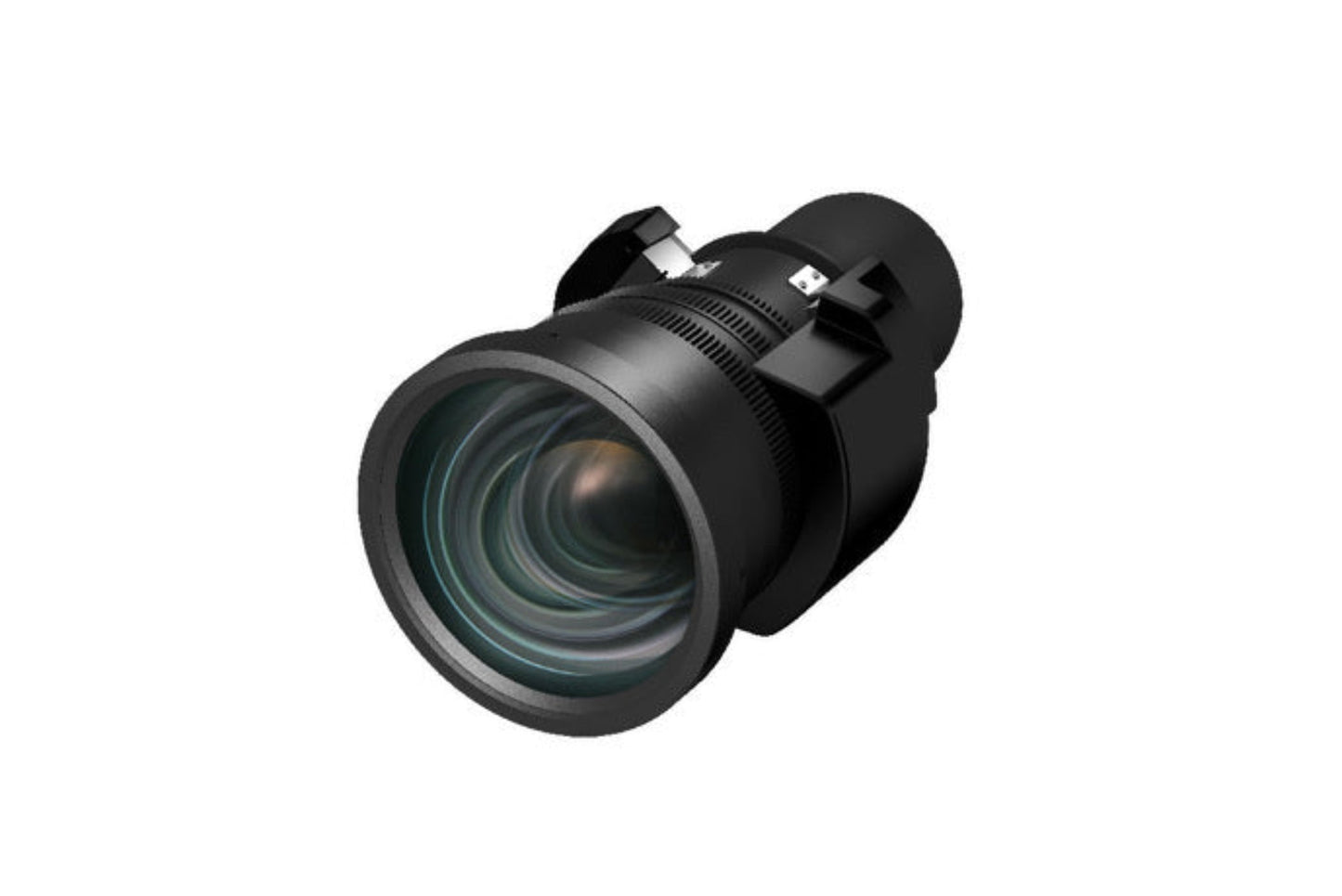
Optimized for Large Venues: Its wide-throw #3 zoom design delivers crisp projection over long distances, ideal for auditoriums, theaters, houses of worship, and event spaces.
-
Exceptional Flexibility: Wide lens shift allows precise positioning even in challenging installations.
-
Pro-Level Compatibility: Fully compatible with Epson Pro L12000Q, Pro L20000U, Pro G7000 Series, and Pro L1000 Series, ensuring reliable performance with 12,000-lumen+ projectors.
-
High-Quality Optical Design: Engineered to maintain brightness, sharpness, and uniformity across large screens.
Q&A
Q1: Will this lens fit my Epson projector?
A: Yes, if you use the Epson Pro L12000Q, Pro L20000U, Pro G7000 Series, or Pro L1000 Series.
Q2: Why choose a wide-throw lens?
A: It allows long-distance placement while maintaining clarity, allowing flexible installation in large venues.
Q3: Does the lens affect brightness?
A: The optical design helps preserve brightness and image uniformity even at long throw distances.
Maintenance Tips
-
Clean the lens regularly using a microfiber cloth and approved optical cleaner.
-
Avoid touching the glass directly to prevent smudges and micro-scratches.
-
Store with the lens cap on when not in use to protect it from dust.
-
Check mounting alignment periodically, especially in high-vibration environments.
-
Keep the projector environment clean to reduce dust accumulation on the lens and internal optics