Damage
  Loss
Loss  Theft
Theft 







![Chery Industrial [BARGAIN] 20ft Farm Metal Driveway Gate with Diagonal Tubes - A_IF000054](http://backyardprovider.com/cdn/shop/files/farmgatewith_31.png?v=1775546952)




























![Chery Industrial [BARGAIN] 7' Garage Storage Cabinets with 20 Drawers - A_WW000208](http://backyardprovider.com/cdn/shop/files/bargain-7-ft-work-bench-with-20-drawers_30.png?v=1775546940)



What Our Experts Think
-
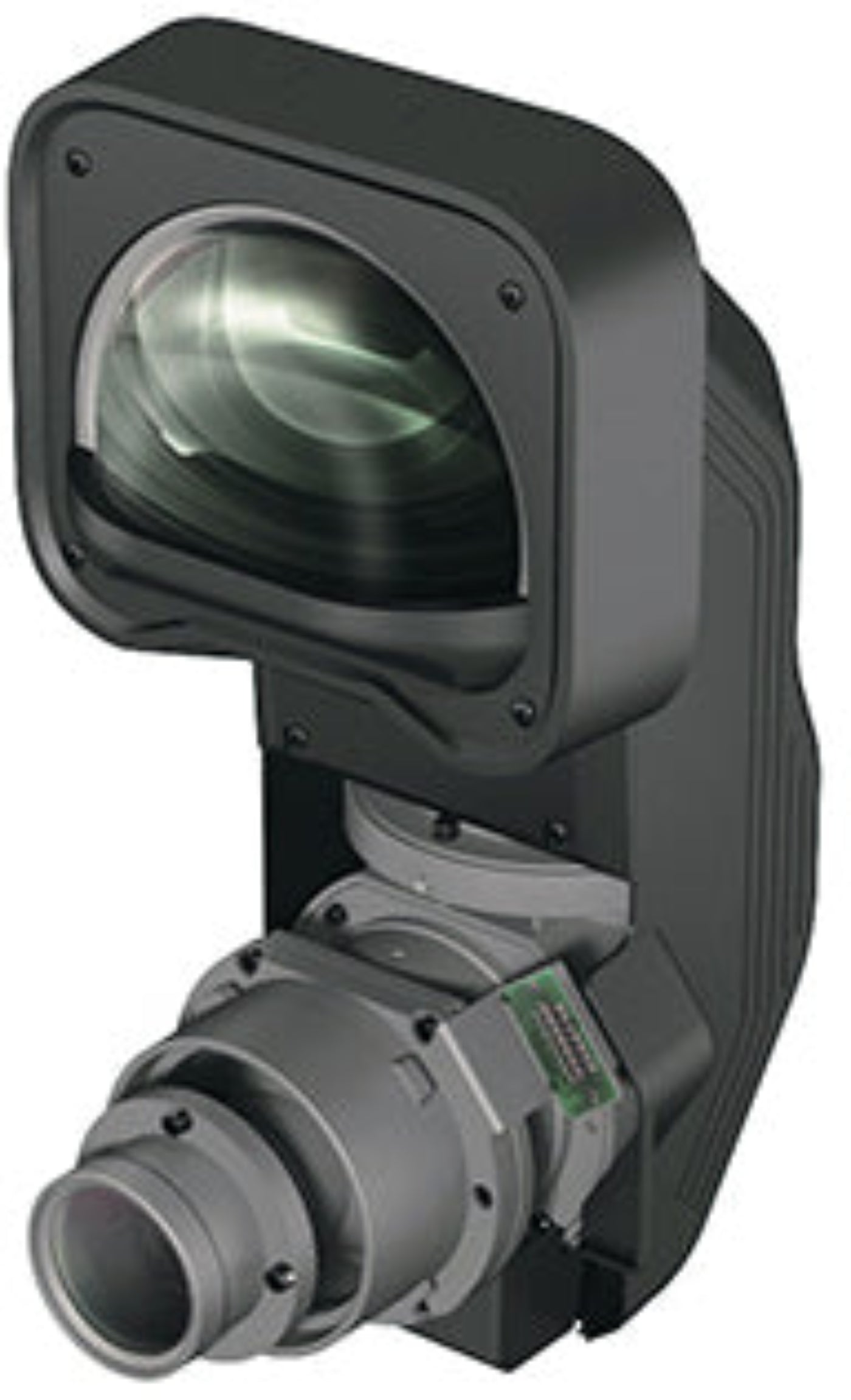
Ultra Short-Throw Capability: 0.35 throw ratio and zero offset allow projection from just inches away while maintaining a large, clear image.
-
Flexible Installation: Ideal for narrow spaces, rear-projection setups, and tight venues.
-
Lens Shift Feature: Provides additional positioning flexibility for precise alignment.
-
Wide Compatibility: Works with Pro G7XXX and most Pro L projectors (excluding Pro L1500, L1505, and L25000).
-
High-Quality Optics: Ensures sharp, crisp images even at very short distances.
Q&A
Q1: Which projectors is this lens compatible with?
A: Pro G7XXX and most Pro L projectors, excluding Pro L1500, L1505, and L25000.
Q2: Can it project from very close to the screen?
A: Yes, its ultra short-throw design allows projection from just inches away.
Q3: Is image quality maintained at short distances?
A: Yes, optics are designed for sharp, bright, and crisp images even in ultra short-throw setups.
Q4: Does it support lens shift?
A: Yes, lens shift provides additional installation flexibility.
Maintenance Tips
-
Clean the lens regularly with a microfiber cloth to avoid smudges.
-
Avoid touching the glass directly to prevent scratches.
-
Store with the lens cap on when not in use.
-
Check lens alignment and shift periodically for accurate projection.
-
Operate in a dust-controlled environment to preserve optical performance.